
Shadows on a 3D map
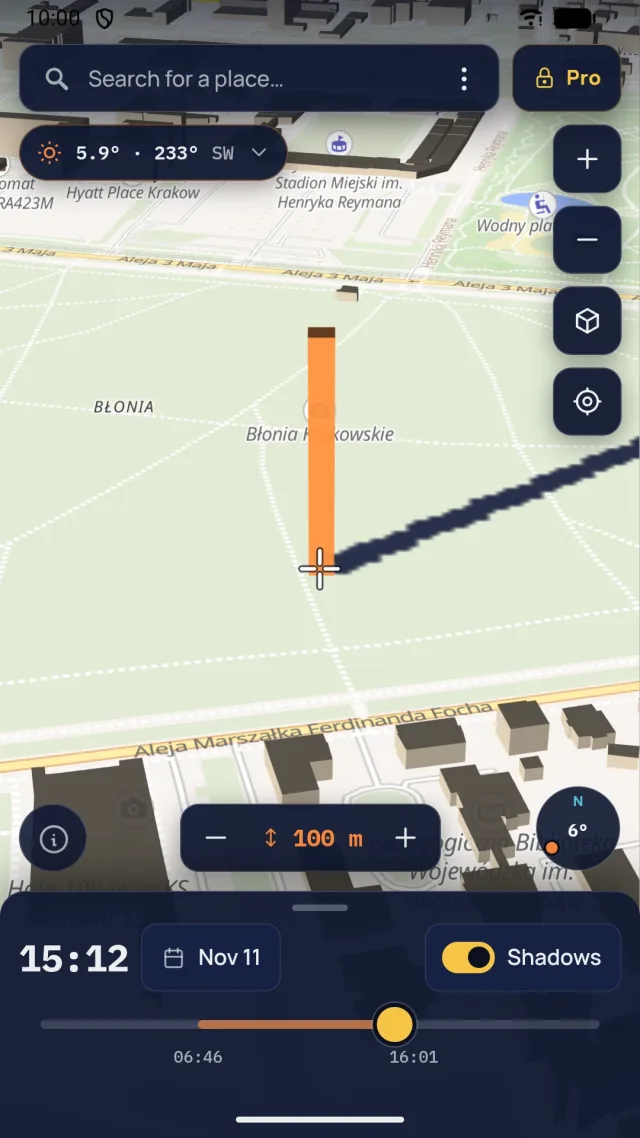
Rotate and tilt the map, and place a reference object of a chosen height under the crosshair. The direction and length of its shadow show up instantly in the three-dimensional scene.
Lunar Frame: Shadow Planner
Check building and terrain shadows on an interactive 3D map. Pick a place, date and time, and Shadow Planner shows how the light changes.
Rotate and tilt the map, and place a reference object of a chosen height under the crosshair. The direction and length of its shadow show up instantly in the three-dimensional scene.
The time slider and date picker show how the shadow changes through the day. Lite covers today and the next 7 days; Pro covers any date, solstices included. The Sun panel lists sunrise, noon and sunset plus civil, nautical and astronomical twilight.
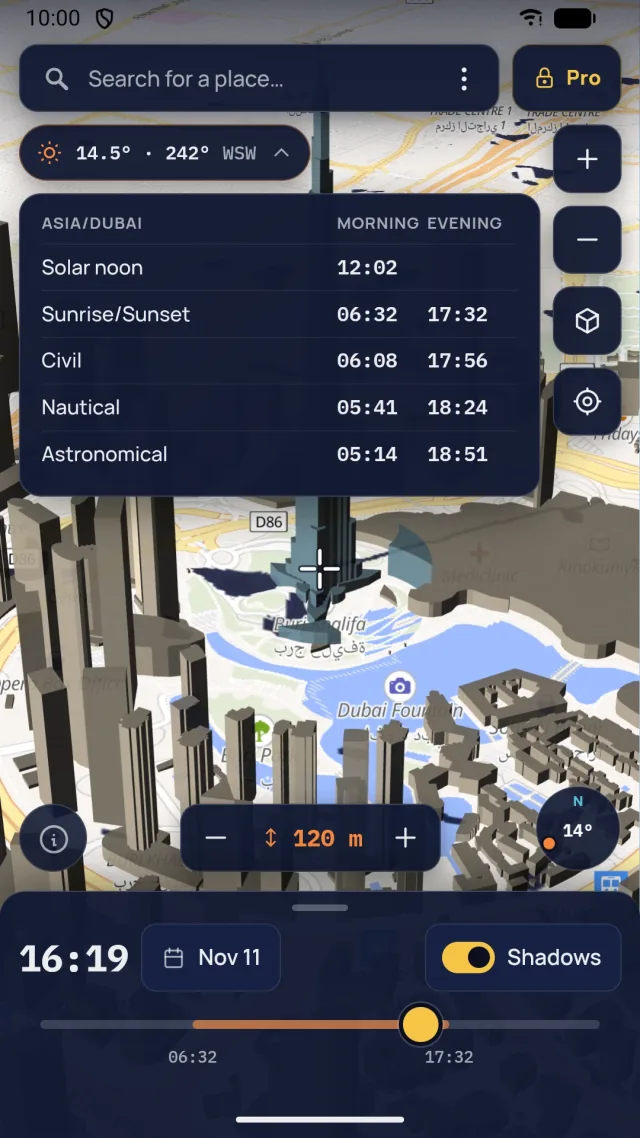
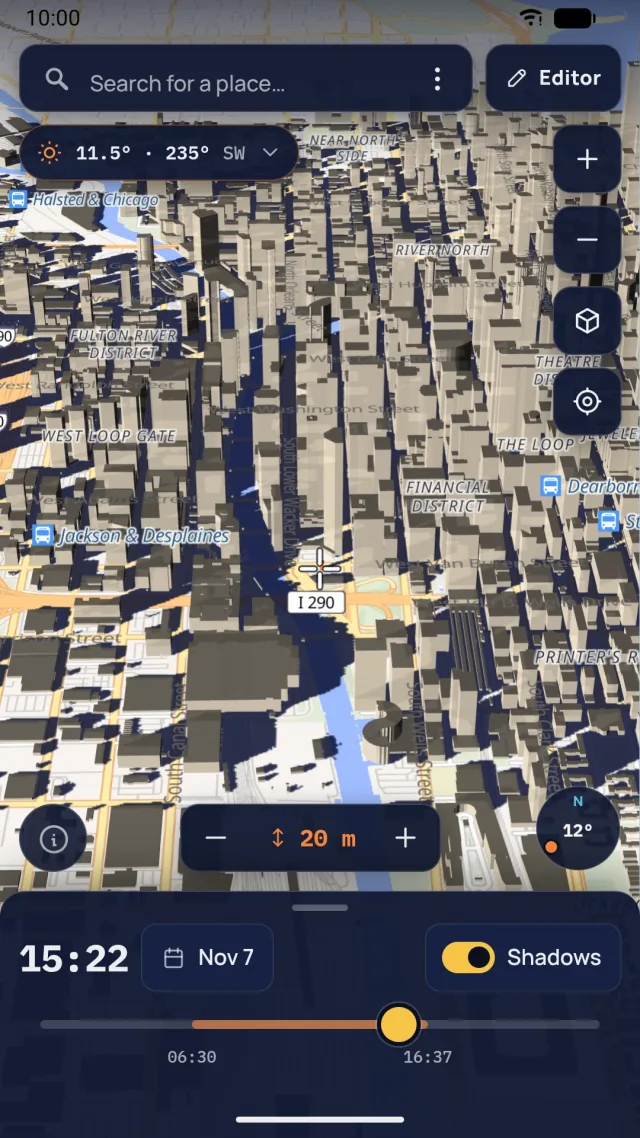
Terrain shadows, such as mountains, are available in Lite. Shadows of real OpenStreetMap buildings, shown in the screenshot, are unlocked by Pro.
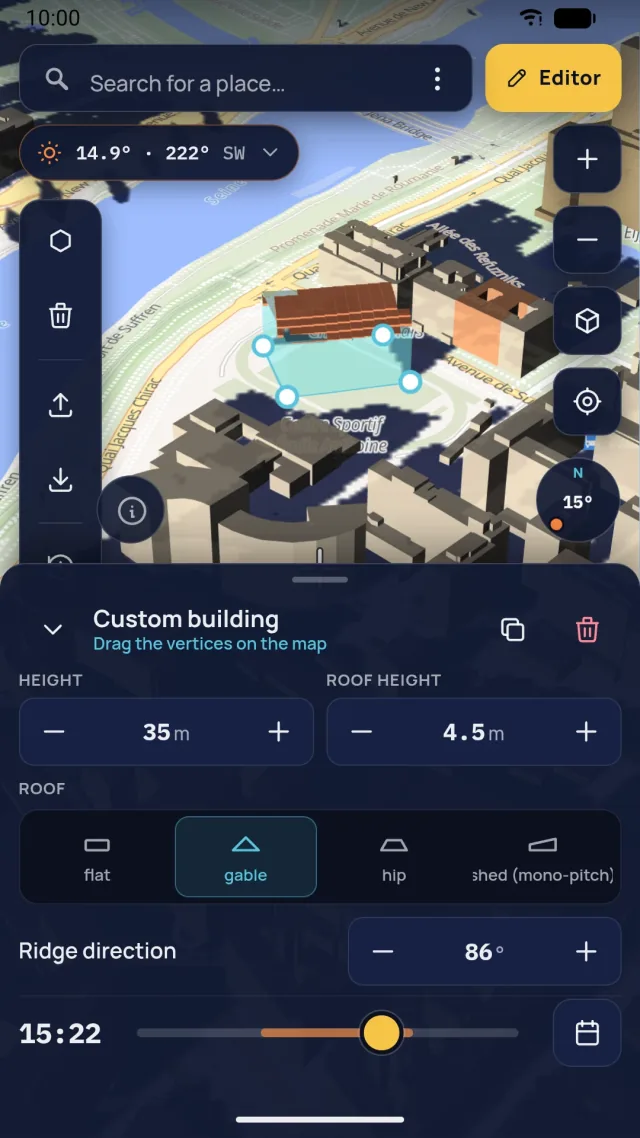
Draw a building, set its height and roof type: flat, gable, hip or shed. Your buildings are saved automatically, and you can import or export shapes as GeoJSON.
Scroll to move the Sun. Shadows are long in the morning and evening and short at noon. In the app you set an exact date and time for any place.
Schematic illustration, not an app calculation.
Building shape: © OpenStreetMap contributors
Scroll to change the time
Simple to use, despite an advanced engine.
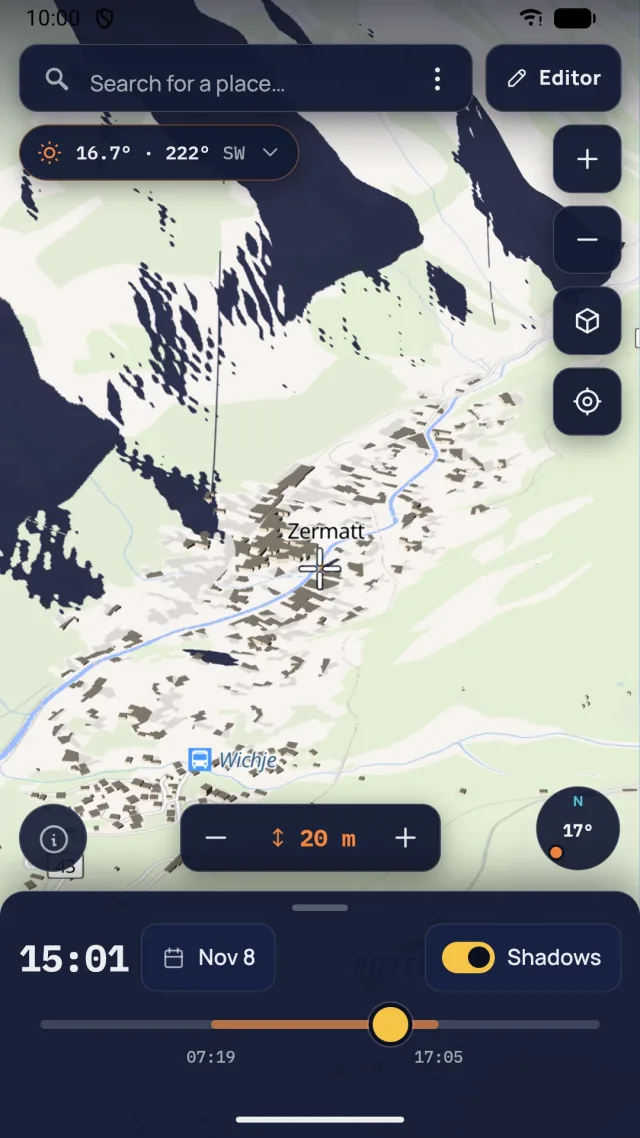
1
Search for a place by name or move the map under the crosshair.
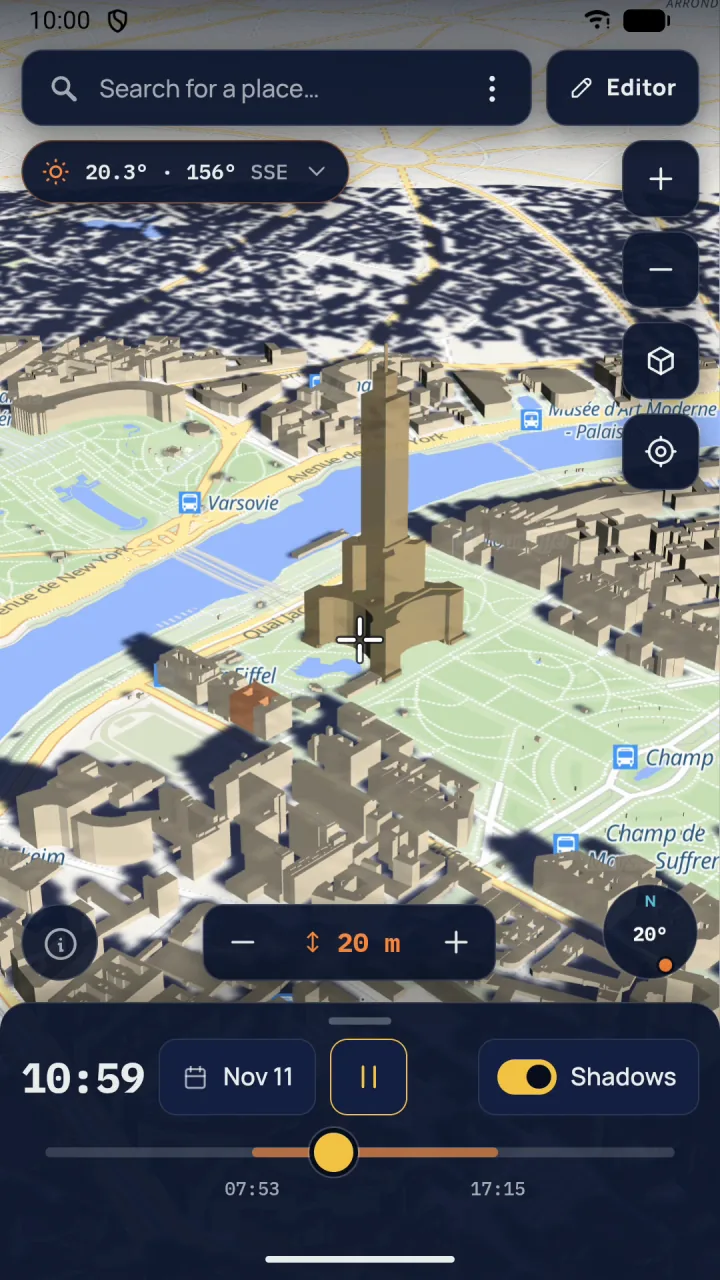
2
Choose a day in the calendar and drag the time slider.
3
See the direction and reach of shadows and the Sun position on the compass.
Lite shows terrain and reference object shadows. Pro also accounts for shadows and occlusion from OpenStreetMap buildings.
Example simulation from 18 Nov 2026
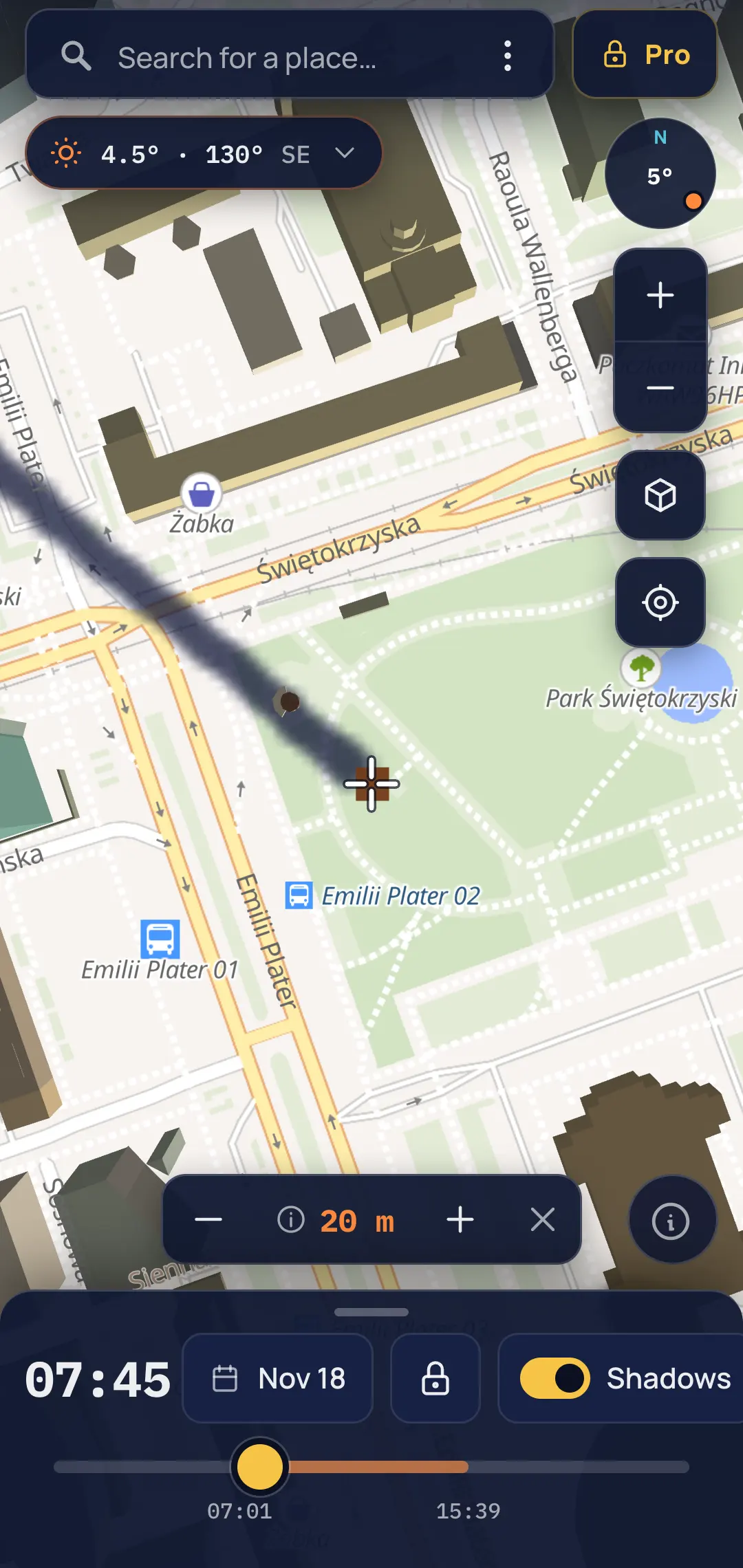
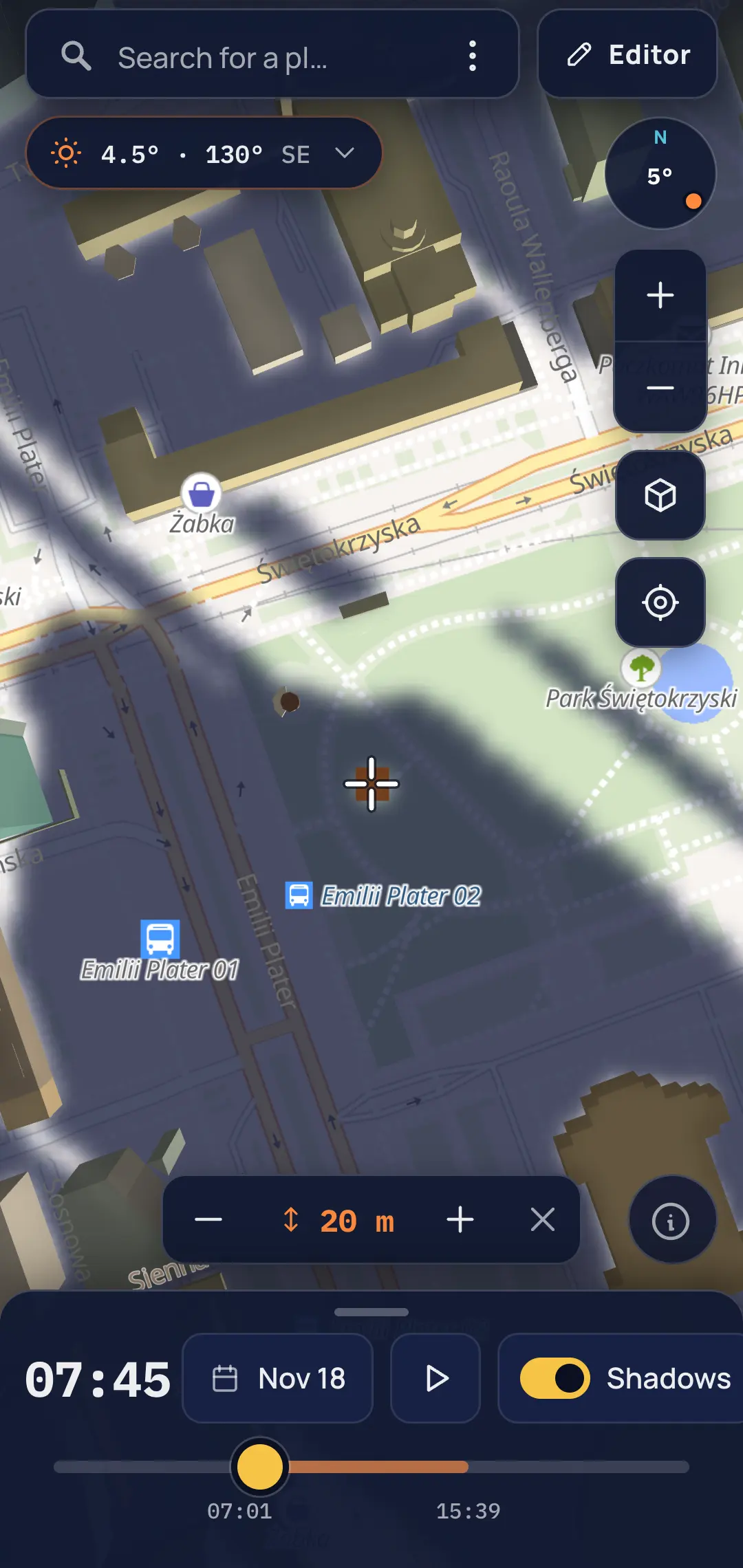
Real app screenshots: Warsaw, Świętokrzyski Park, 7:45, Sun 4.5° above the horizon, 20 m object. Simulation results depend on how complete and accurate OpenStreetMap data is.
Start free and plan shadows for the week ahead. Pro unlocks any date.
Free, with ads
One-time purchase, no subscription
$9.99
Price shown for the US. In other countries and currencies Google Play shows the local price. Pro features are not available in Lite.

Meet Lunar Frame, a completely free photo planner with no ads that helps you find the right place, time and frame for photographing the Moon and the Sun.
Explore Lunar Frame